Tag: gaming

  • 🎮 Split Fiction Game Review: The Must-Play Co-Op Adventure From the Creators of It Takes Two

    🎮 Split Fiction Game Review: The Must-Play Co-Op Adventure From the Creators of It Takes Two

    Welcome to MDapproves! Today, I’m excited to share a genuinely fun discovery: the game my girlfriend and I have been absolutely hooked on lately. If you love co-op adventures like It Takes Two, this is right up your alley.
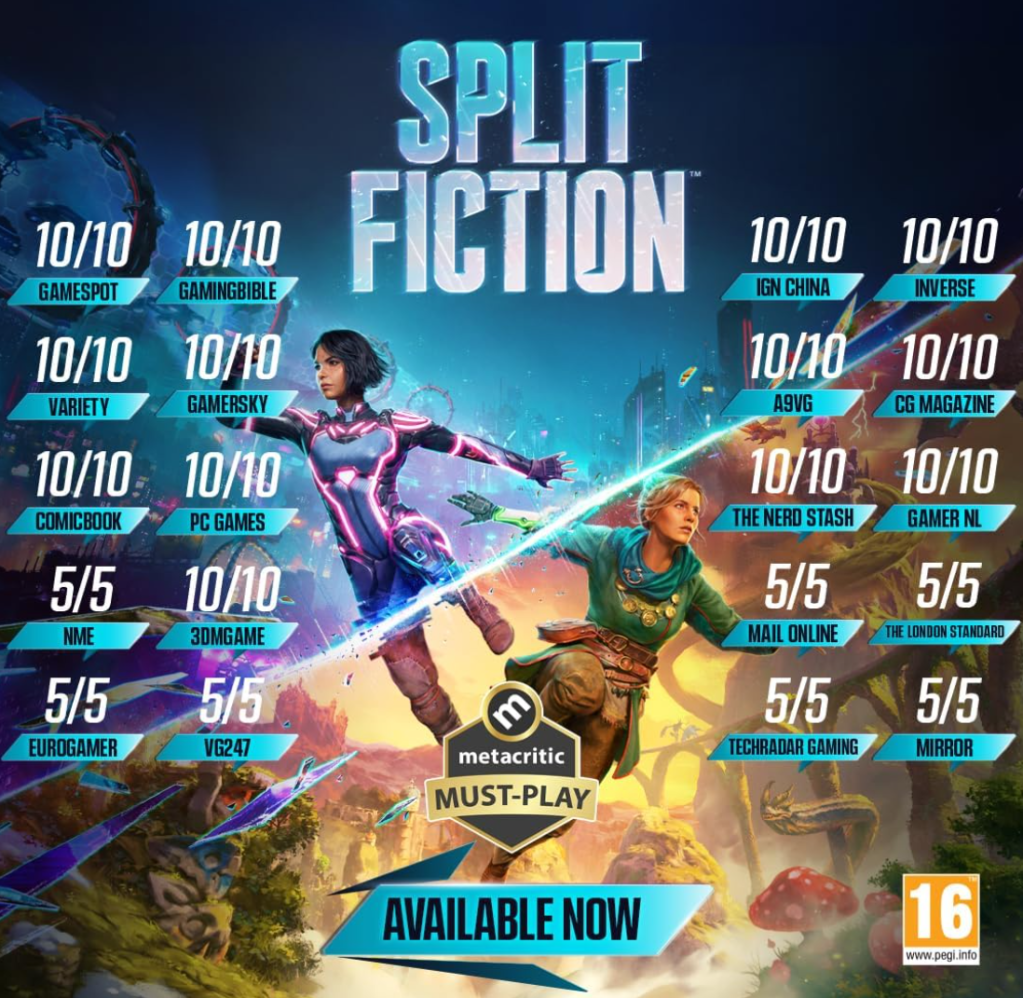
    Split Fiction game review image featuring character artwork and 10/10 ratings, co-op adventure excitement

    So, we’ve been looking for a new game to play together that wasn’t just another battle royale or single-player game with co-op tacked on. We stumbled across this gem: check it out here — and wow, it’s been a blast!

    This game is from the creators of It Takes Two and A Way Out, Hazelight Studios, and you can really feel that same magic here. What I love immediately is that it’s built from the ground up for two players only, and it shows. Every challenge, every puzzle, every moment needs both players to work together. Total relationship tester (in the best way possible 😅).

    👥 Co-Op Gameplay That Actually Feels Co-Op
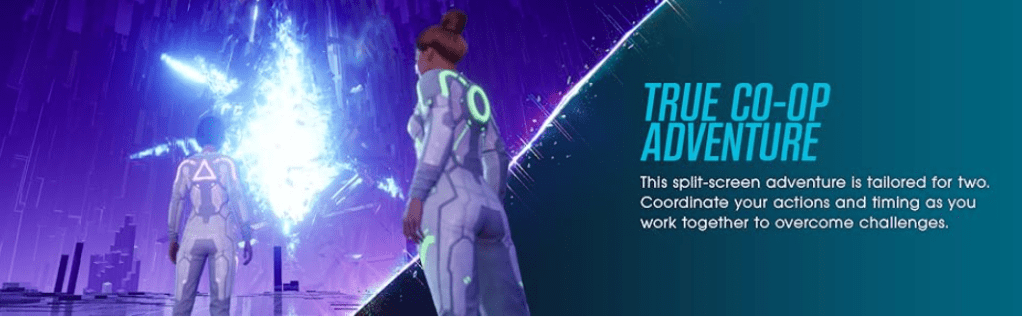
    Two game characters in sci-fi suits standing before a glowing portal, true co-op adventure

    You’re not just playing alongside each other — you have to coordinate actions and timing perfectly. Communication is key, and it’s so satisfying when you figure things out together.

    And here’s the best part: Friend’s Pass. Even if your mate doesn’t own the game, they can play for free with you. Crossplay is included too, so whether you’re on PlayStation, Xbox, or PC, you’re sorted!

    \”Excellent CO-OP game, really fun and a perfect game to play with a friend… for those who like puzzle games and sci-fi and fantasy. You won’t be disappointed with this game, but just remember you can only play this game with a friend as it’s a 2 player CO-OP game.\” — ⭐⭐⭐⭐⭐ UK Player

    🧩 A Wild Ride Through Every Imaginable World

    Variety of gameplay scenes from Split Fiction including a sandshark, dance battles, and fantasy creatures

    We were constantly surprised by how the gameplay keeps switching things up. One minute you’re escaping a sun going supernova, the next you’re hoverboarding, or facing off against an evil kitty boss. There’s even a monkey dance battle (seriously).

    The variety is wild — it mixes sci-fi and fantasy worlds with new mechanics in every level. Whether it’s puzzle-solving, platforming, or action sequences, there’s no dull moment.

    \”Masterpiece. AGAIN. My kid and I are huge fans of ‘It Takes Two’ and the studio has done it again. We loved this game. First run took us 12.5 hours but we’ll be playing this again and again and again.\” — ⭐⭐⭐⭐⭐ J.C.

    🌟 A Story of Teamwork (and Plenty of Laughs)

    Split Fiction characters Mio and Zoe with a dragon companion, symbolising teamwork and friendship

    The story centres around two characters, Mio and Zoe, who start off not really getting along. But as they progress through this insane journey, they become closer — much like us trying not to blame each other for every mistake! 😂

    It feels like every challenge strengthens your teamwork (or tests it!). One reviewer hilariously nailed it:

    \”Fantastic bloody game, me and my missus have been playing it every evening. If you are living the bachelor life, time to change your views and find your partner to play this with.\” — ⭐⭐⭐⭐⭐ Saf

    🎨 Stunning Design & Atmosphere

    Visually, the game is stunning. Every world feels like you’ve jumped into a totally different universe. The design is imaginative, colourful, and just really fun to explore. It’s clear Hazelight poured creativity into every part of this experience.

    \”Amazing game – loved playing this with my daughter. Maybe not quite as good as It Takes Two (that story felt a lot more personal) but that’s barely a criticism. Still a 5 star game for me.\” — ⭐⭐⭐⭐⭐ Ben Franklin

    🏆 Final Verdict: Must-Play for Co-Op Fans
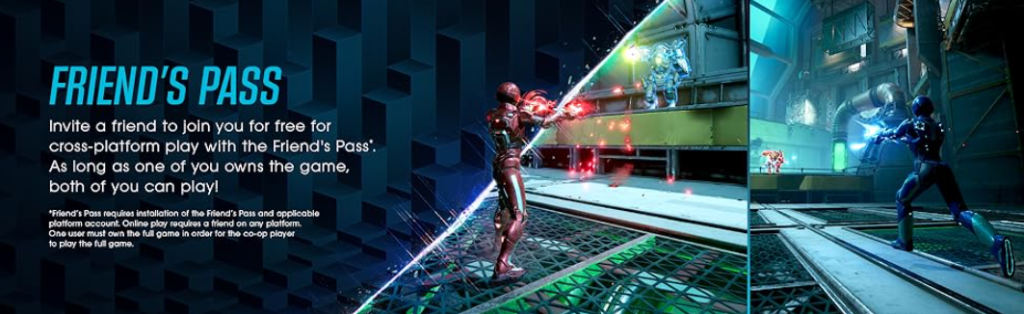
    Split Fiction Friend's Pass promotional image, highlighting cross-platform play

    If you enjoyed It Takes Two, this is an absolute no-brainer. It’s fun, chaotic, and genuinely rewarding to play as a duo. It’s also a great reminder of how good true couch co-op gaming can be.

    • ✅ Built for two players from the ground up
    • ✅ Wild variety in gameplay and environments
    • ✅ Free Friend’s Pass and crossplay!
    • ✅ Unexpected moments of comedy and chaos
    • ✅ Loved by couples, parents, and co-op fans alike!

    \”Only just started but this game is insanely good. Loving every minute so far.\” — ⭐⭐⭐⭐⭐ MD

    👉 Grab the game here and trust me, you’re in for a fun ride!

    Thanks for reading MDapproves! We’ll keep sharing honest reviews of games, gear, and everything we genuinely love using. Stay tuned for more! 🚀
  • 🖥️Amazon Fire TV Omni Series Review: How I Turned Mine into a FireXbox for Cloud Gaming!

    🖥️Amazon Fire TV Omni Series Review: How I Turned Mine into a FireXbox for Cloud Gaming!

    Welcome to MDapproves — today I’m sharing a quick, honest story about how I upgraded my new room with the Fire TV Omni Series TV. If you’re thinking about a new TV for your space, stick around! 🎉

    When I moved into my new place, I knew I wanted a proper TV for my new room — something simple but solid, without loads of cables or extra devices cluttering up the space. Naturally, I started shopping around the usual big names: Samsung, LG, Sony — all promising “smart” TVs with their own built-in apps and fancy features. But honestly? They just didn’t convince me.

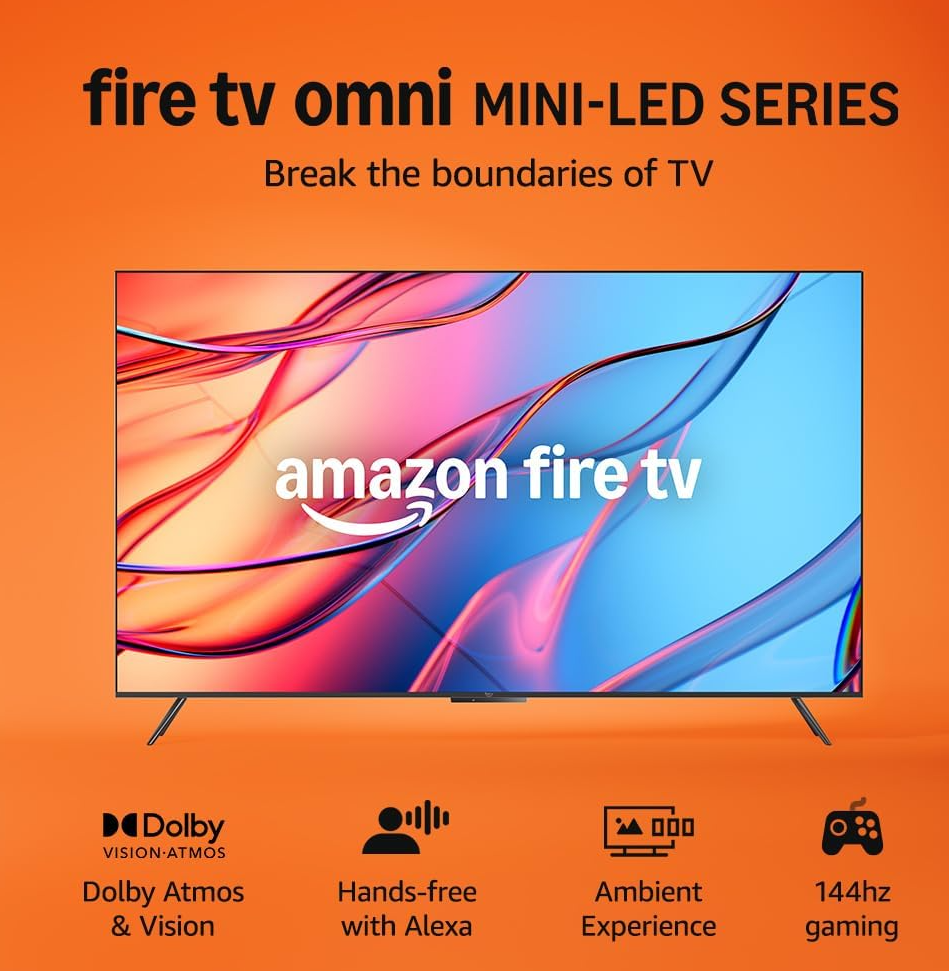
    A lot of these so-called smart TVs have sluggish menus and awkward interfaces. The apps feel clunky, slow, and, to be blunt, a bit of a pain to use. After a bit of digging, I came across the Fire TV Omni Series TV (check it out here) — and this is what really caught my eye: it comes with Fire TV built-in, and this isn’t just any Fire TV setup. It’s Amazon’s best picture quality to date.

    🎥 All-in-One Entertainment

    What sold me straight away is that Fire TV is fully integrated. No need for a separate streaming stick or box. You get all the big hitters: Netflix, Prime Video, Disney+, YouTube — instantly ready to go. Plus, the interface is super slick, and the remote has Alexa voice control built right in.

    Fire TV just feels quicker, smoother, and far more reliable than the typical smart TV options I tested. Everything loads in a flash, navigating apps is a breeze, and it just works. No faffing around.

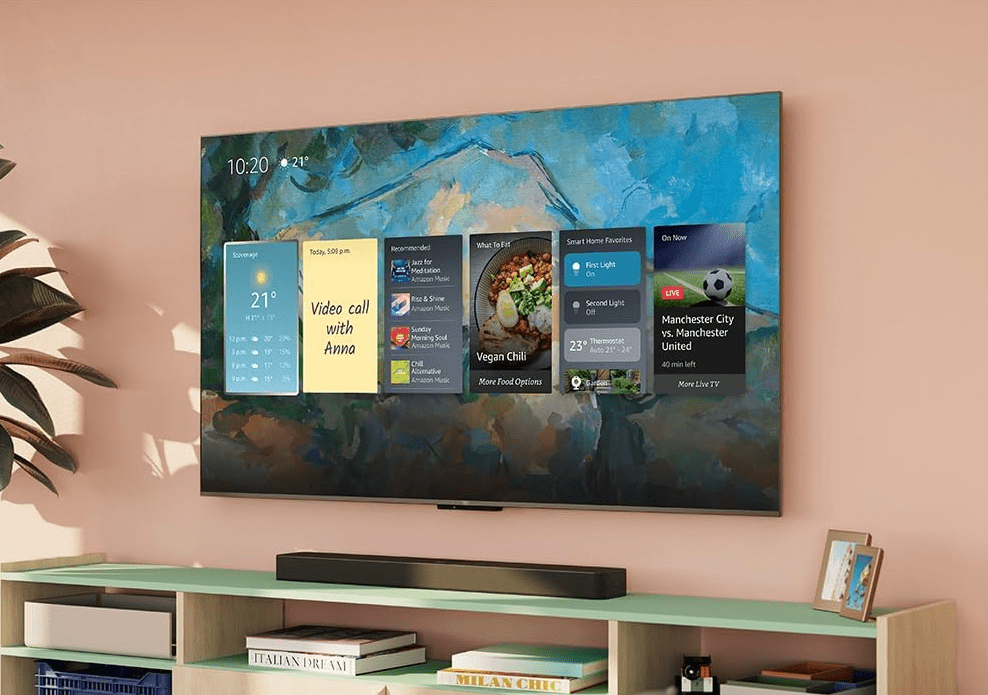
    Oh, and I need to mention Fire TV Ambient Experience — it turns your TV into an all-day useful display. When you’re not watching something, it can showcase stunning artwork, let you plan your day with handy widgets, or act as a smart hub you control with your voice. Seriously cool bonus.

    🤔 Why I Chose Fire TV Over Other Smart TVs

    I’ll be honest — I did my research. I nearly went for one of the other big brands, but the sluggish interfaces and clunky app experiences were a deal-breaker for me. I wanted something snappy and seamless.

    With the Fire TV Omni, Amazon has nailed it. Apps open fast, content looks amazing, and the Alexa voice control isn’t just a party trick — it’s genuinely useful. You can ask Alexa to turn the TV on, find content, control playback, and even adjust the lighting in your room if you’ve got smart bulbs.

    Plus, with Amazon’s Fire TV Intelligent Picture, it automatically fine-tunes what’s playing, scene by scene, and even adapts to your room’s lighting. Safe to say, I’ll never go back to a clunky TV interface again.

    🔊 Seriously Impressive Picture & Sound

    Let’s talk quality. This TV features Amazon’s best picture quality yet, with a 4K QLED mini-LED display that delivers over a billion life-like colours. You get Dolby Vision IQ, HDR10+ Adaptive, and up to 1400 nits of peak brightness.

    The mini-LED design also gives you 512 dimming zones for deeper contrast and more detail, even in the smallest areas of your screen. And the Fire TV Intelligent Picture feature automatically adapts the brightness and colour based on your room’s lighting. Genuinely impressive.

    Audio is also no slouch. With 2.1 Dolby Atmos, you get clear dialogue and some seriously punchy bass that makes movies, sports, and games come to life.

    🎮 Fire TV Xbox: My DIY Console Setup

    Here’s where it got exciting. I already have an Xbox setup in my living room, but I wanted to enjoy Xbox Game Pass Ultimate in my new room too — without lugging the console around.

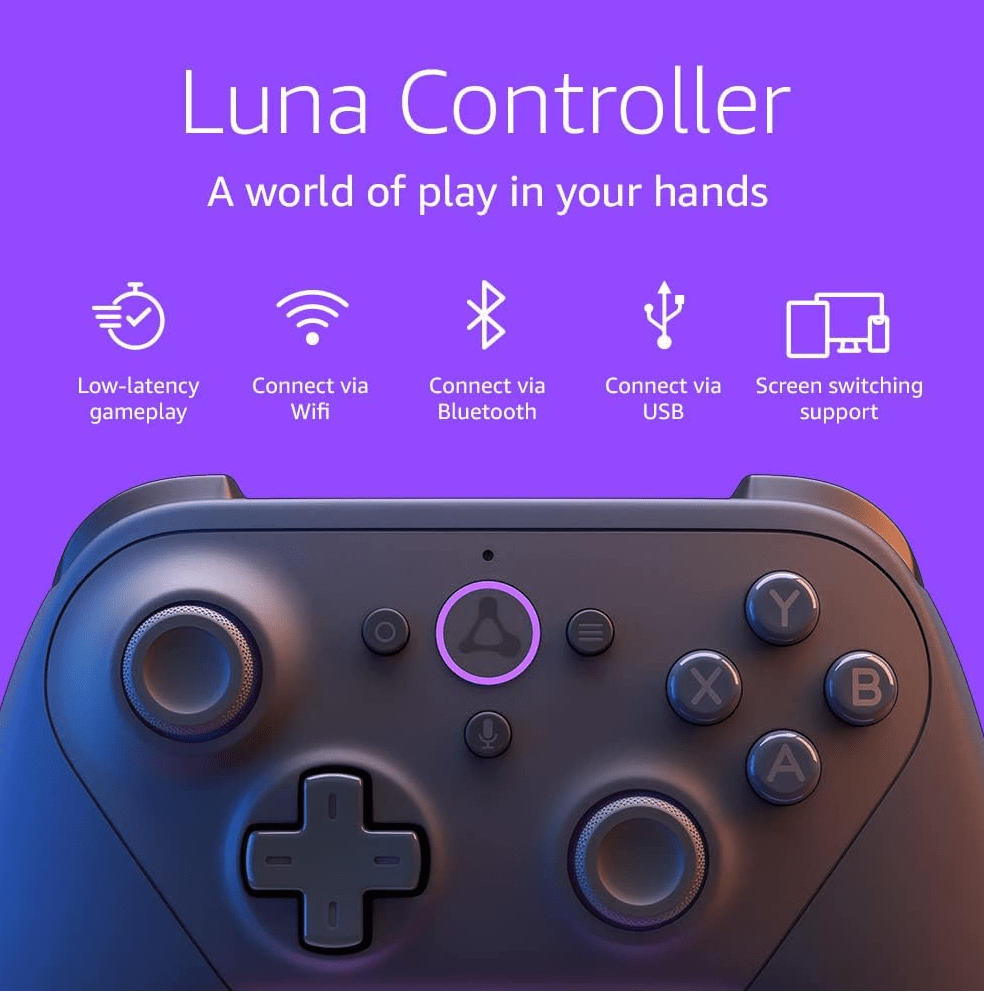
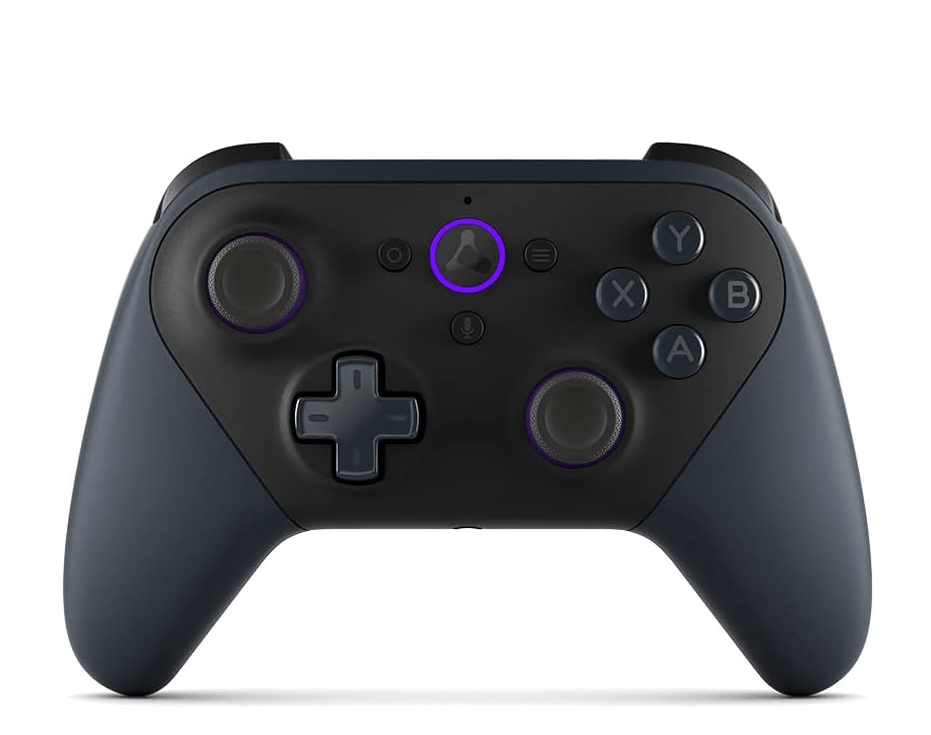
    So, I grabbed a Bluetooth controller (this is the one I got), linked it to the TV, and boom — instant Fire TV Xbox. Thanks to cloud gaming, I can play directly on the Fire TV, no console needed!

    With its lightning-fast 144Hz refresh rate and AMD FreeSync Premium Pro certification, it’s actually Amazon’s best TV for gaming. Transitions are smooth, motion is fluid, and you get tear-free visuals during intense gameplay. Total game changer.

    Whether it’s a quick casual session or diving into a new Game Pass title, I can play straight from my sofa, no wires, no stress.

    🛋️ Easy Setup, Clean Vibes

    Setup took less than 10 minutes. Plug it in, connect to Wi-Fi, log into your apps, and you’re good to go. No complicated menus, no cluttered cables — just a clean, minimalist setup that fits perfectly in my new room.

    And with Alexa built in, I barely need the remote. Just ask Alexa to fire up your favourite show, switch inputs, or even showcase interactive art when the TV’s idle.


    🔍 Final Verdict: Should You Get It?

    If you’re looking for a proper all-in-one TV that delivers more than just streaming, the Fire TV Omni Series is an absolute winner. Gorgeous picture quality, Dolby Atmos sound, smooth performance, and the ability to turn it into your own Fire TV Xbox setup — it’s far beyond your average “smart” TV.

    For me, it’s made my new room feel complete. I’ve now got a full entertainment hub where I can watch movies, play games, and unwind whenever I need to.

    👉 Check out the Fire TV Omni Series here

    And if you want to build your own Fire TV Xbox setup, don’t forget the controller:

    🎮 Grab the controller here and get gaming straight from the cloud!

    Thanks for reading MDapproves! I’ll keep sharing my honest setups and upgrades as I go. Stay tuned for more real-life gear and home upgrades coming soon! 🚀

    Safe to say, I’ll never go back to a clunky TV interface again.